Key takeaways
- A trading journal shows you which strategies actually make you money, and which mistakes you keep repeating.
- Log every trade when you open it: ticker, strategy, action, strike, expiry and premium. Then log the close.
- Track assignments properly, so your shares carry a real cost basis that includes every premium.
- Review it weekly. The notes column is where the real improvement comes from.
Before you start: read Cash Secured Put Strategy and The Wheel Strategy first.
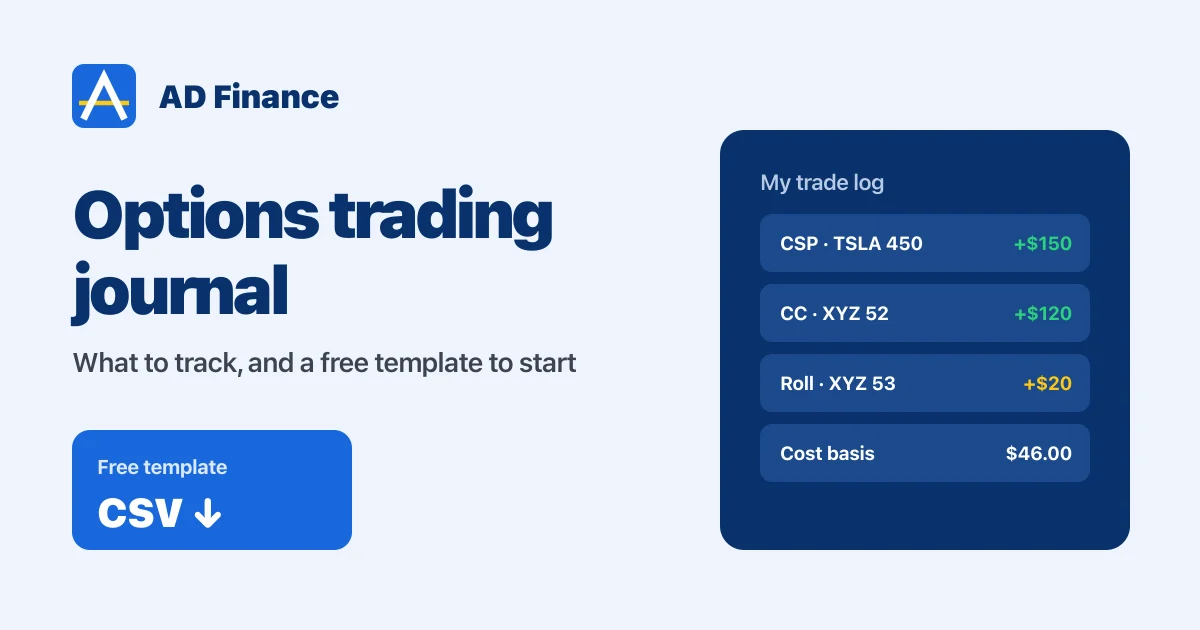
Here’s a question for you. Last month, which of your options strategies actually made you money? Not roughly. Exactly.
If you can’t answer that, you need a trading journal. I was in the same spot. I was trading options every week, mostly selling, and I couldn’t clearly see what was working, what wasn’t, and what my shares had really cost me after all the premiums. So I started journaling every trade, and eventually built my own journal for it.
In this guide I’ll show you what I track on every trade, how to handle the tricky part, assignments, and I’ll give you my free options trading journal template so you can start today.
Why every options trader needs a journal
Treat your trading like a business. A business keeps books. Your journal is your books.
- You see what really works. Tag every trade with its strategy, and after a month you’ll know if your cash-secured puts are carrying you while your spreads lose money.
- You stop repeating mistakes. Write down why you closed early, why you rolled, why a trade went wrong. Patterns show up fast.
- You know your real cost basis. When you sell puts and calls on the same stock, the premiums lower what you really paid. Your broker doesn’t show that. Your journal does.
- Tax time gets easier. I talk about this in my options taxes guide. A clean record of every open, close and roll saves a lot of headaches.
What to log on every trade
Keep it simple, or you’ll stop doing it. When you open a trade, log:
- Date, ticker and strategy (cash-secured put, covered call, credit spread, LEAPS…)
- Action: sell to open, buy to open (and later, buy to close or sell to close)
- Option type, strike, expiration and number of contracts
- Premium collected or paid
When you close it, log the closing price, the outcome (closed early, expired, assigned or rolled), the realized profit or loss, and one line of notes.
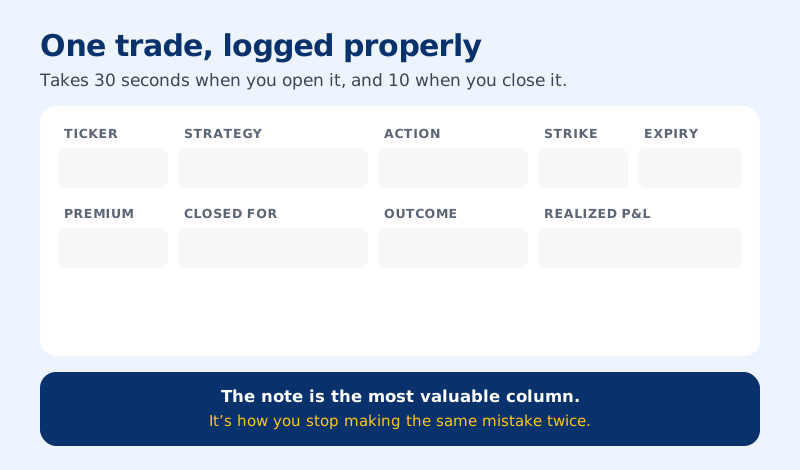
That’s the example from my video: sell to open a TSLA 450 put this week for $170, close it a few days later for $20, and the journal shows $150 realized. While a trade is still open, it counts as unrealized, so you can see what’s potentially coming in that week.
The tricky part: assignments and your real cost basis
This is what most journals get wrong, and it’s the main reason I built my own.
When your cash-secured put is assigned, you don’t buy it back. You’re forced to buy 100 shares. So in your journal you close the put at $0 with the outcome “assigned”, and then those shares show up in your portfolio at the strike price.
But your real cost isn’t the strike. The premium you collected lowers it. And every covered call you sell on those shares lowers it again. Here’s a full wheel cycle from my template:
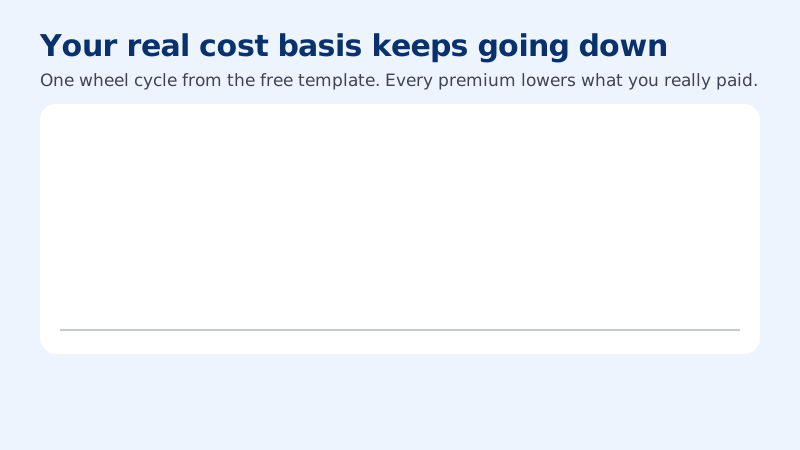
Your broker still shows something close to $50. Your journal knows it’s $46. That matters, because it changes which covered call strikes are safe to sell. You never want to sell a call below your real cost. I explain that in covered calls on Robinhood.
Tap through the full cycle to see how each trade gets logged:
Trade 1 · Cash-secured put, closed early
Sell to open the XYZ 50 put for $1.70 ($170). Buy it back on Thursday for $0.20.
Log: outcome "closed early", realized +$150. Note: "closed at about 88%, freed the cash for next week".
Trade 2 · Cash-secured put, assigned
Sell another 50 put for $1.70. This time XYZ closes below $50 on Friday and you're assigned.
Log: close the put at $0, outcome "assigned", realized +$170. Add 100 shares at $50. Real cost basis: $50 − $1.70 = $48.30.
Trade 3 · Covered call, expired
Sell the 52 call, above your cost, for $1.20. XYZ stays below $52 and it expires.
Log: outcome "expired", realized +$120. Cost basis: $48.30 − $1.20 = $47.10.
Trade 4 · Covered call, rolled
Sell the 52 call for $0.90. XYZ runs to $53, so you buy it back for $1.40 and sell next week's 53 call for $1.60. A small credit. It expires.
Log two rows: the 52 call closed at a −$50 loss with outcome "rolled", and the 53 call expired for +$160. Net cost basis: $46.00. You kept the shares and got paid for it. I cover rolling step by step in its own guide.
Get my free options trading journal template
I’ve put all of this into a simple template you can use right away. It has the columns I track and the full wheel cycle above as an example, so you can see how each row works.
Download the free options trading journal template (CSV)
It’s a plain CSV file. Open it in Google Sheets (File → Import), Excel or Numbers, delete the example rows, and start logging. Add any columns you like. Some people track the stock price at entry, delta, or how they felt about the trade.
When you outgrow the spreadsheet
A spreadsheet is a great start. But after a few months of weekly options, it gets messy, especially with assignments, rolls and cost basis across many tickers. That’s why I built my own options journal, OptionsVault.
It’s built for option sellers: covered calls, cash-secured puts and the wheel, with your premium and P&L broken down by strategy, so the spreadsheet work above happens for you. You can start for free. In the video I walk through how I log trades, close them and handle an assignment in my journal.
My weekly journal review
A journal only helps if you look at it. Every weekend I spend ten minutes on this:
My weekend review
That's how you get better every single week.
Start small. Even if you only log the basics, you’ll know more about your trading in a month than most people do in a year. If you have ideas for what a journal should track, put them in the comments on the video. I’m still adding features, and a lot of them come from you.
FAQ
What should an options trading journal include?
For every trade, the date, ticker, strategy, action (sell to open, buy to open and so on), option type, strike, expiration, contracts and premium. When you close it, the closing price, the outcome (closed, expired, assigned or rolled), the realized profit or loss, and a short note on what you learned.Is there a free options trading journal template?
Yes. You can download my free options journal template as a CSV file, which opens in Google Sheets, Excel or Numbers. It includes the columns I track and a full wheel cycle as an example.How do you track assignment in an options journal?
Close the option at $0 with the outcome "assigned", then record the 100 shares at the strike price. Subtract the premium you collected from that strike to get your real cost basis, and keep subtracting premiums from covered calls you sell on those shares.Why does my broker show a different cost basis than my journal?
Brokers usually show the share purchase price, or an average of your share purchases. They don't subtract the option premiums you collected along the way. Your journal can, which gives you the real cost of your position.Check your understanding
Written by Abhi
I'm Abhi. I've invested in US stocks for years, and for the last five to six years options have been at the heart of how I trade. I started AD Finance to break complex options concepts into plain-English guides, so you can trade with confidence, and I built OptionsVault to track my own trades.
This guide is for education only and is not financial advice. Options trading involves risk. Read the full disclaimer.